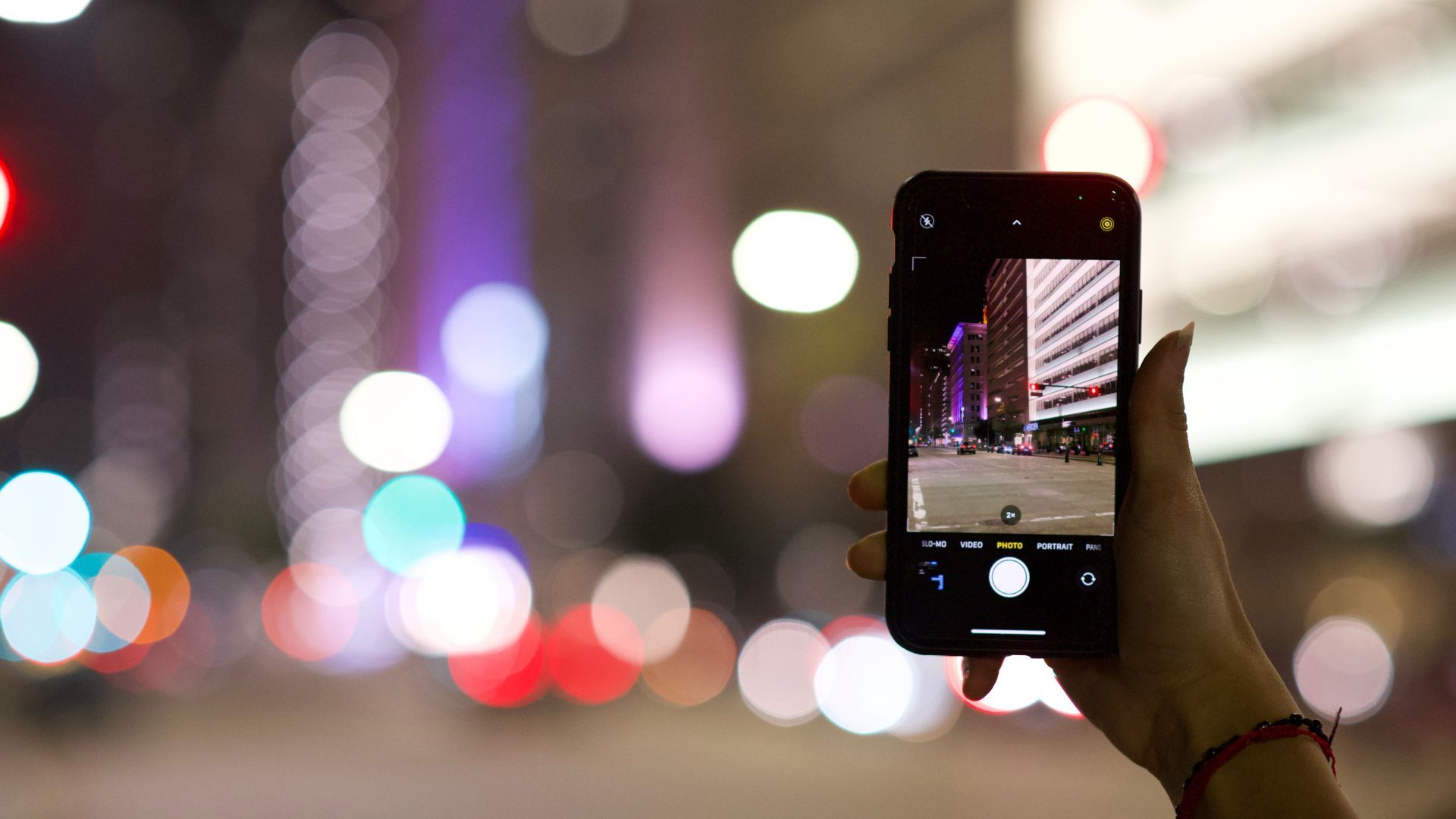
How Do I Take Better Pictures With My Phone?
Smartphone cameras have become incredibly powerful, but most people still only use a small percentage of what their phone camera can actually do. The good news is that you don't need an expensive camera to take amazing pictures. With a few simple techniques, you can dramatically improve the quality of your phone photography almost instantly.
Whether you want better holiday pictures, sharper portraits, more cinematic street photography, or Instagram-worthy content, utilising just some of these tips will help you to take more professional-looking pictures using the phone already in your pocket.

Below are 10 simple but powerful ways to improve your mobile photography skills.
1. Clean Your Camera Lens First
This sounds obvious, but it is one of the biggest reasons phone pictures look soft, blurry, or foggy.
Your phone spends most of its life in your pocket, bag, or hand, which means the lens quickly collects fingerprints, dust, and grease. Even a tiny smudge can ruin sharpness and contrast.
Quick tip:
- Wipe the lens with a clean microfibre cloth
- Avoid using rough clothing that could scratch the glass
- Check the lens in sunlight to make sure it is clean
These simple steps can instantly make your pictures look sharper and more professional.
2. Tap to Focus on Your Subject
One of the biggest mistakes beginners make is letting the phone decide what to focus on.
Instead, tap directly on your subject before taking the picture. This tells your camera exactly where you want the sharpest detail.
This is especially important for:
- Portraits
- Food photography
- Street photography
- Low-light photos
Most phones will also let you adjust brightness after tapping by sliding your finger up or down on the screen.
A properly focused picture instantly looks more polished and intentional.
3. Use Natural Light Whenever Possible

Lighting is everything in photography. Even the best camera struggles in bad light.
The easiest way to improve your pictures is to use soft natural light instead of harsh indoor lighting.
Quick tip:
The best times to shoot are:
- Early morning
- Late afternoon
- Golden hour before sunset
- Cloudy days with soft light
Avoid:
- Overhead midday sun
- Dark rooms
- Mixed indoor lighting
When taking portraits, position your subject facing a window or soft outdoor light for a more flattering look.
4. Stop Using Digital Zoom
Digital zoom is one of the fastest ways to ruin picture quality.
When you zoom in digitally, your phone is essentially cropping the picture, which reduces sharpness and detail.
Instead:
- Physically move closer to your subject
- Use your phone’s actual optical lens options if available
• Crop later during editing if needed
5. Use Grid Lines to Improve Composition
Composition is what separates average pictures from eye-catching pictures.
Turn on your camera grid lines in your phone settings. This helps you use the “Rule of Thirds,” one of the most important photography techniques.
Quick tip:
Place your subject:
- Slightly off-centre
- Along the grid lines
- At intersecting points
This creates more balanced and visually interesting pictures.
Grid lines also help keep horizons straight, which instantly improves landscape and travel photography.
6. Learn How to Use Pano Mode Properly
Most people only use panorama mode for landscapes, but it can be incredibly creative when used correctly.
Quick tip:
- Move slowly and smoothly
- Keep your phone level
- Avoid fast-moving subjects
- Use it for tall buildings by rotating vertically
- Capture wider storytelling scenes
You can even create cinematic street photography pictures using pano mode when regular lenses feel too tight.
Done correctly, panorama mode adds scale and drama to your pictures.
7. Use Portrait Mode Carefully

Portrait mode can create beautiful background blur, but it works best when used correctly.
For better portrait mode pictures:
- Keep some distance from your subject
- Use soft lighting
- Avoid messy backgrounds
- Make sure hair edges are clearly visible
- Do not over-edit the blur effect
Quick tip:
Portrait mode works best when the subject is separated from the background naturally.
Used properly, it can create professional-looking portraits without needing a DSLR camera.
8. Hold Your Phone Steady
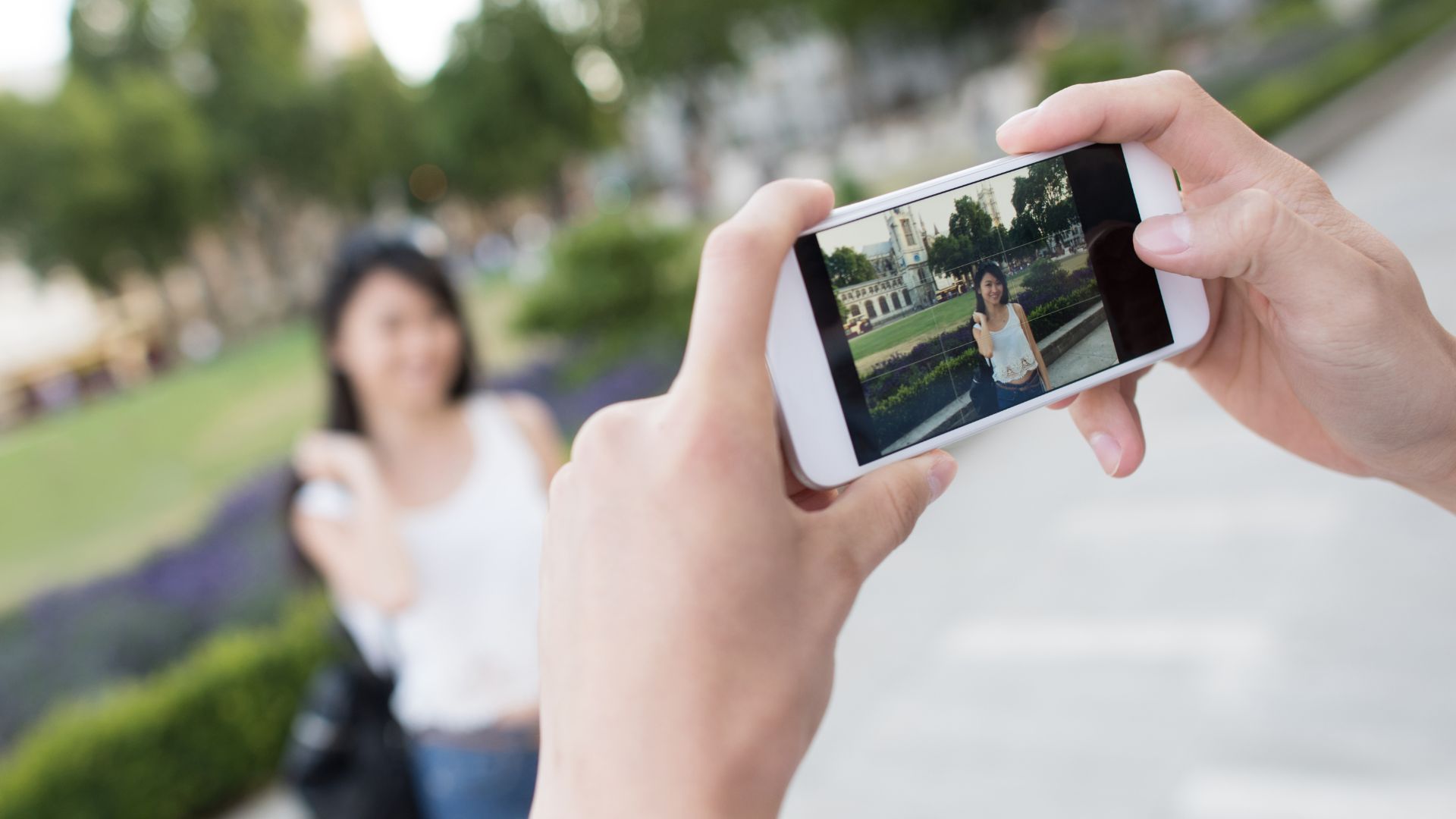
Camera shake is one of the main reasons phone pictures look soft.
Quick tips to improve sharpness:
- Hold the phone with both hands
- Keep your elbows close to your body
- Lean against walls when possible
- Exhale slowly before pressing the shutter
- Use a small tripod for night shots
In low light, even tiny movements can blur your picture.
9. Edit Your Pictures Lightly
Editing is part of modern photography, but most beginners overdo it.
The goal is to enhance the picture, not destroy it.
Quick tip:
Focus on:
- Slight brightness adjustments
- Contrast
- Colour balance
- Sharpness
- Cropping
Avoid:
- Over-saturated colours
- Extreme HDR effects
- Heavy skin smoothing
- Over-sharpening
Apps like Adobe Lightroom Mobile and Snapseed are excellent for beginners.
Subtle editing creates cleaner, more timeless pictures.
10. Take More Pictures and Study What Works

The fastest way to improve your phone photography is simple: practise consistently.
Great photographers take hundreds or thousands of pictures to create a few great pictures.
Quick tip:
Try photographing:
- People
- Street scenes
- Coffee shops
- Architecture
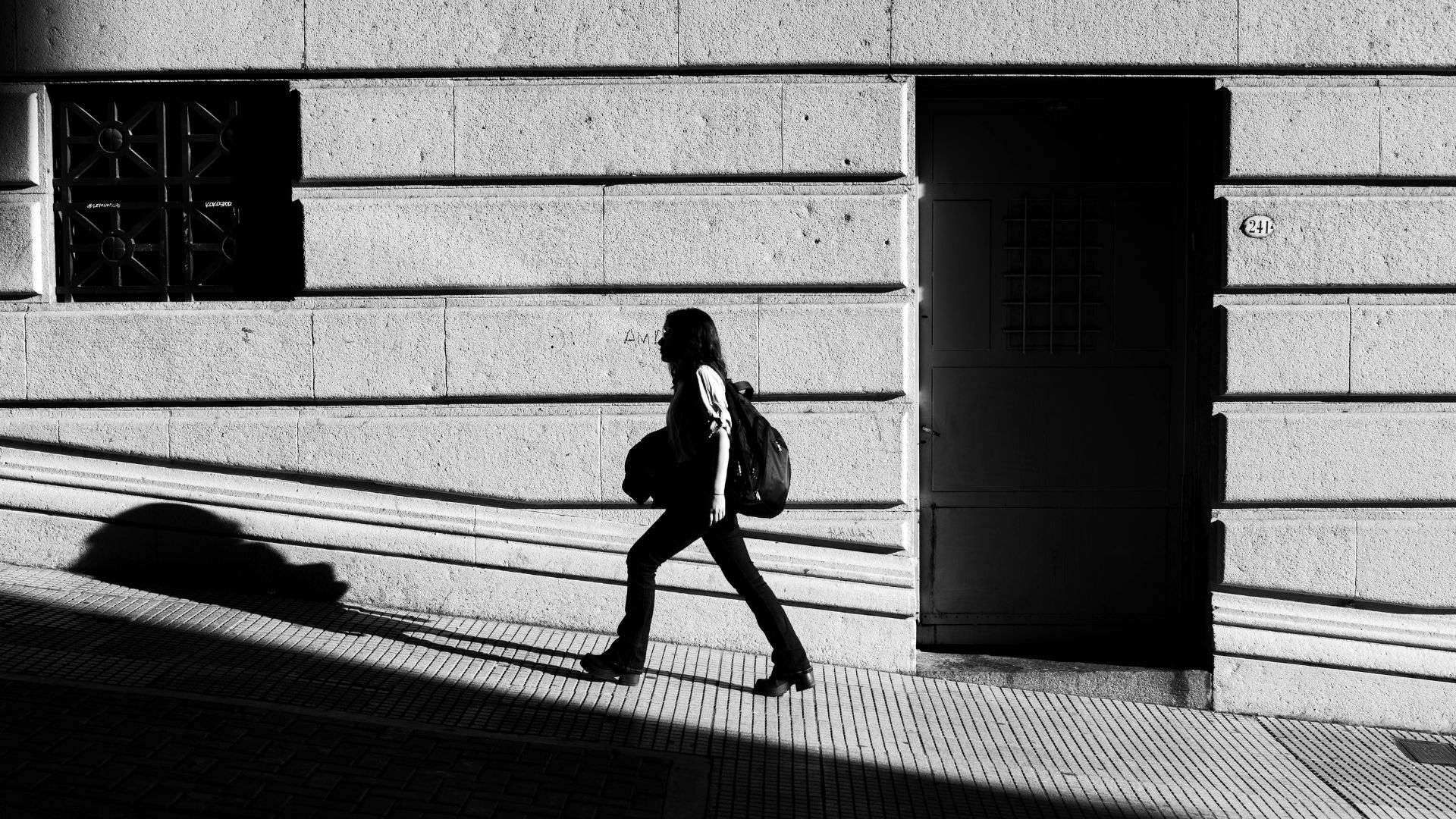
- Sunlight and shadows
- Everyday moments
After each session, ask yourself:
- What works?
- What feels interesting?
- What catches your eye?
- What could be improved?
The more you shoot, the more naturally you will understand light, composition, and storytelling.
Final Thoughts
You don't need expensive gear to take great pictures. Some of the best pictures ever taken were taken with camera's that don't have the detail available in the average mobile phone today.
You can capture great pictures with your phone when you have a basic understanding of light, composition, timing, and storytelling.

So a quick recap:
Start with these simple techniques:
- Clean your lens
- Tap to focus
- Use natural light
- Avoid digital zoom
- Turn on grid lines
- Use pano mode creatively
- Master portrait mode
- Hold your phone steady
- Edit lightly
- Practise consistently
The more intentional you become with your phone camera, the better your pictures will start to look.
Your phone is already powerful. Learning how to use it properly is what will make the difference.
Ready to take pictures you're proud of?
Start with my free Camera Settings Checklist. It shows you exactly what to check before every shot, so you never miss an important setting again.
When you're ready to go further, Premium teaches you my SIMPLE system step by step, so you can take pictures you're proud of with the camera you already own.
Get Your Free Camera Settings Checklist
Know exactly what to check before every shot, so you never miss an important setting again. Free, straight to your inbox.
No spam, ever. Unsubscribe any time. Our Privacy Policy is linked at the bottom of this page.