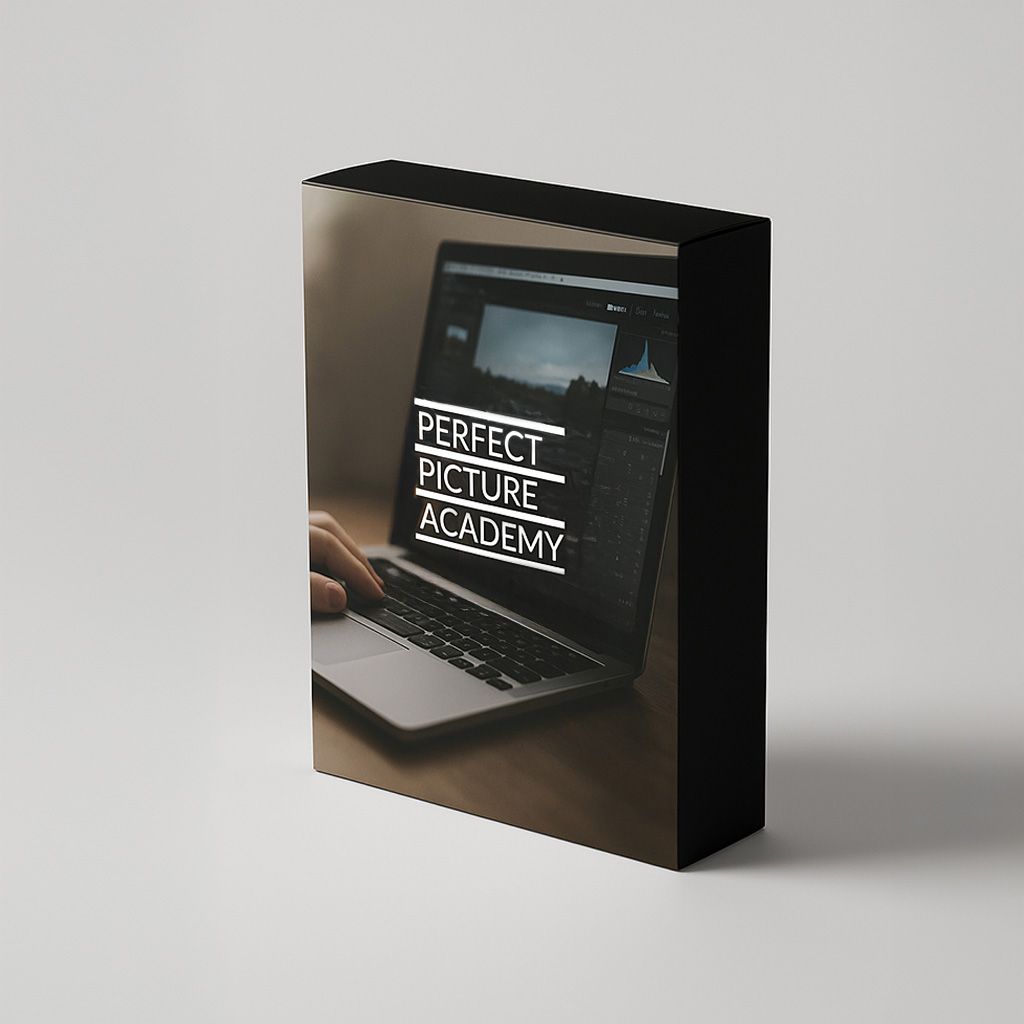
PERFECT PICTURE ACADEMY
EDIT LIKE A PRO

Hey there,
As a photographer, I know how frustrating it is when your pictures don't look like the ones you see in magazines. I struggled for years to learn Lightroom and Photoshop, and wasted hours on YouTube tutorials that left me more confused than when I started. All the technobabble and confusing explanations got in the way of the skills I actually needed.
That's why I created Edit Like a Pro. It's built around my three-step editing plan (basic edits, colour correction and final adjustments), the same process I use on my own work, explained in plain English, one step at a time.
Across four modules and 40 bite-sized lessons, you'll go from the basics of Lightroom to advanced Photoshop techniques and the latest AI tools, and you'll find a signature editing style that sets your pictures apart.
If you've ever looked at your pictures and known they could be better but not known how, this course is for you.

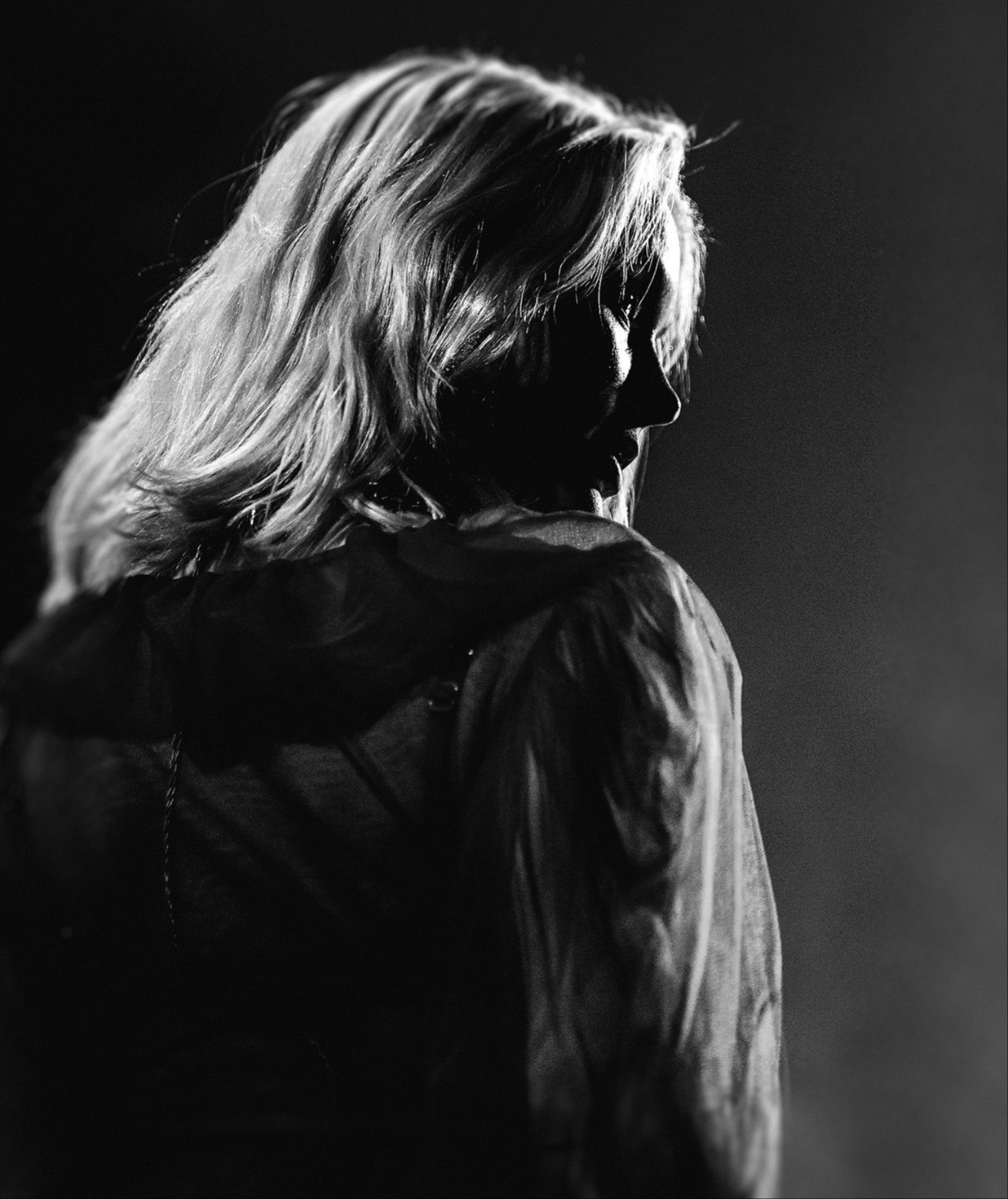
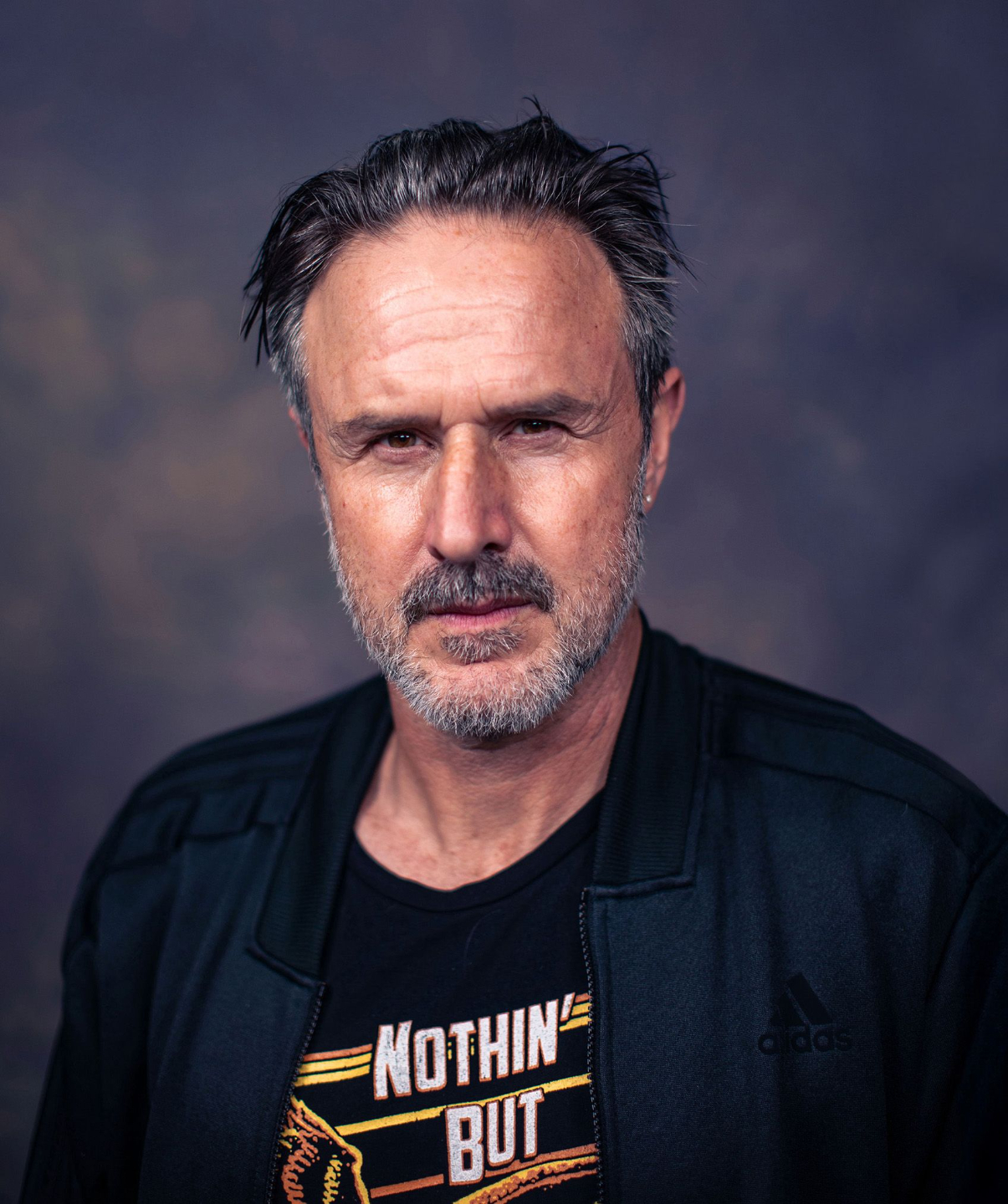
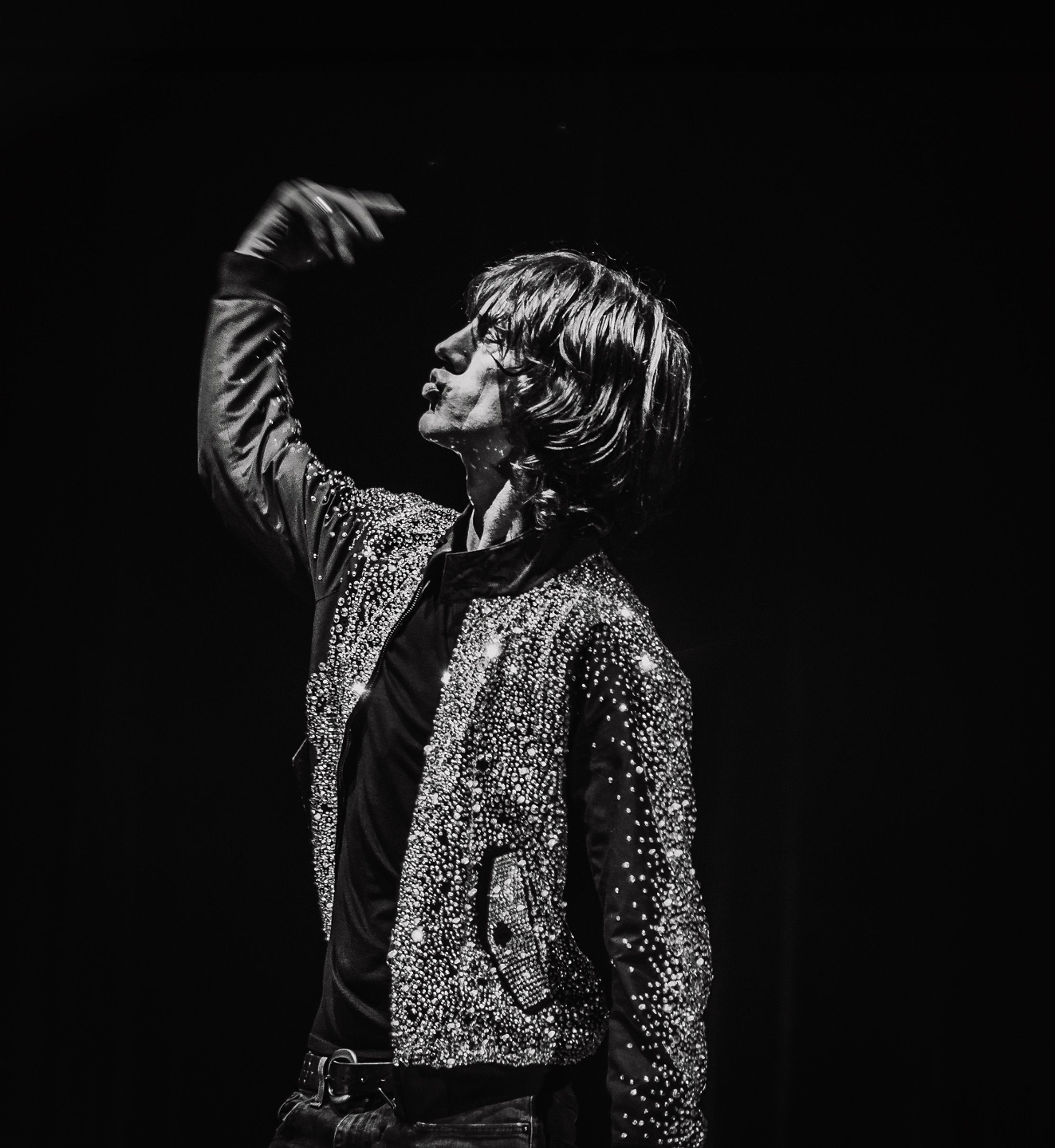
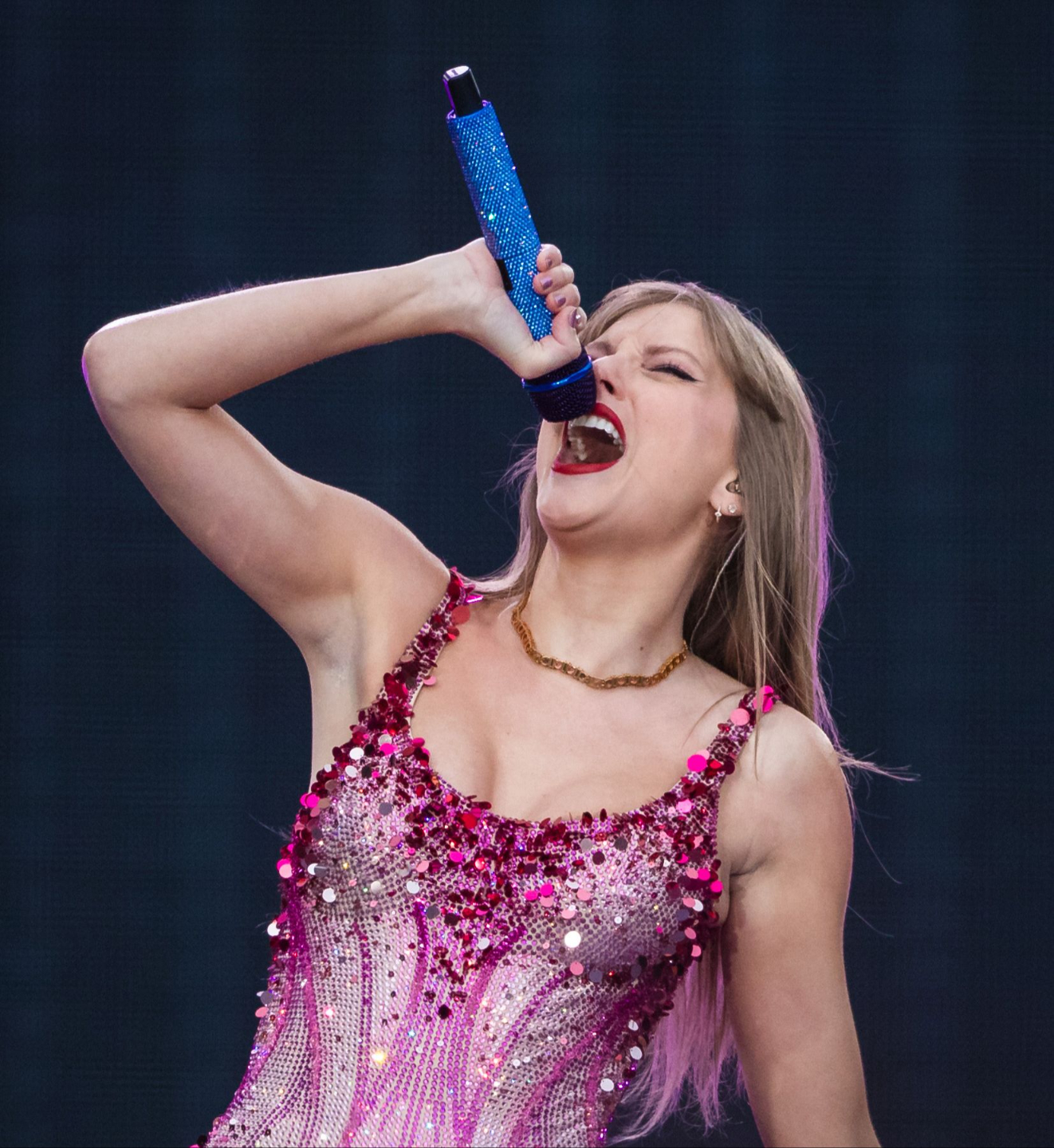

Photos by Mark Kaye
WHO IS MARK KAYE?
Mark is a recognised tour, portrait and street photographer, as well as the founder of the Perfect Picture Academy. His work has received recognition at the International Photography Awards receiving honourable mentions, official selections and a winning entry over recent years. Mark is also the creator of the SIMPLE system, designed to take all of the guesswork out of photography.

What you'll learn with this course.
Get ready to transform your photography skills from average to amazing with the Perfect Picture Academy. If you're ready to take the next step in your photography journey then it's time to enrol in the Perfect Picture Academy.
In more than 40 bite-sized lessons, I'll show you my exact editing process, step-by-step, from your first import to a finished picture you're proud to share.
My three-step editing plan
- Step 1: Basic edits. Get the foundations right: exposure, contrast, cropping and straightening.
- Step 2: Colour correction. Fix colour casts so your pictures look natural, then adjust and grade colours to set the mood.
- Step 3: Final adjustments. Add depth, contrast and texture so your pictures stand out.
In Lightroom
- Organise and manage your pictures so you can always find your best shots
- Edit quickly and consistently with a few simple clicks
- Use presets and filters as a starting point, then make them your own
- Crop and resize for print, web and social media
In Photoshop
- Understand layers, the foundation of every professional edit
- Retouch portraits naturally, using AI tools for smooth, realistic skin in a fraction of the time
- Remove distractions and unwanted objects from your pictures
- Transform your pictures with Photoshop's AI tools
By the end
- You'll be able to take any picture from good to great with the same repeatable process
- You'll develop a signature editing style that's recognisably yours
Turn good shots into great ones
Learn my three-step editing plan and use it on every picture you take, from basic edits to colour correction and final adjustments. Every lesson is yours to keep and rewatch, with updates whenever Lightroom and Photoshop change.
Want to master your camera too? See Premium
Backed by a 30-day money-back guarantee.
Got Questions? Here Are The Answers
Still not sure? Email me and I'll get back to you personally.
Which software does the course use?
Do I need to buy Lightroom and Photoshop?
I've never edited a picture before. Is that OK?
How long is the course?
Do I get any personal feedback?
Will the course be updated?
What if it's not for me?
Ready to start editing pictures you're proud of?
Over 40 lessons, lifetime access, and a 30-day money-back guarantee.
Enrol