Mobile Editing Apps vs Desktop Software: Which One Should You Use?
A few months ago I was sitting on a train into London, about an hour into the journey with a full day of street photography ahead of me, and I had a batch of pictures from a shoot the week before that needed to go out that same day. Ten years ago that deadline simply wouldn't have been possible, I'd have needed my laptop, my desktop monitor, and hours of quiet, uninterrupted time. Instead, I pulled out my phone, opened an editing app, and had a finished, client-ready gallery sent off before I'd even reached the city.
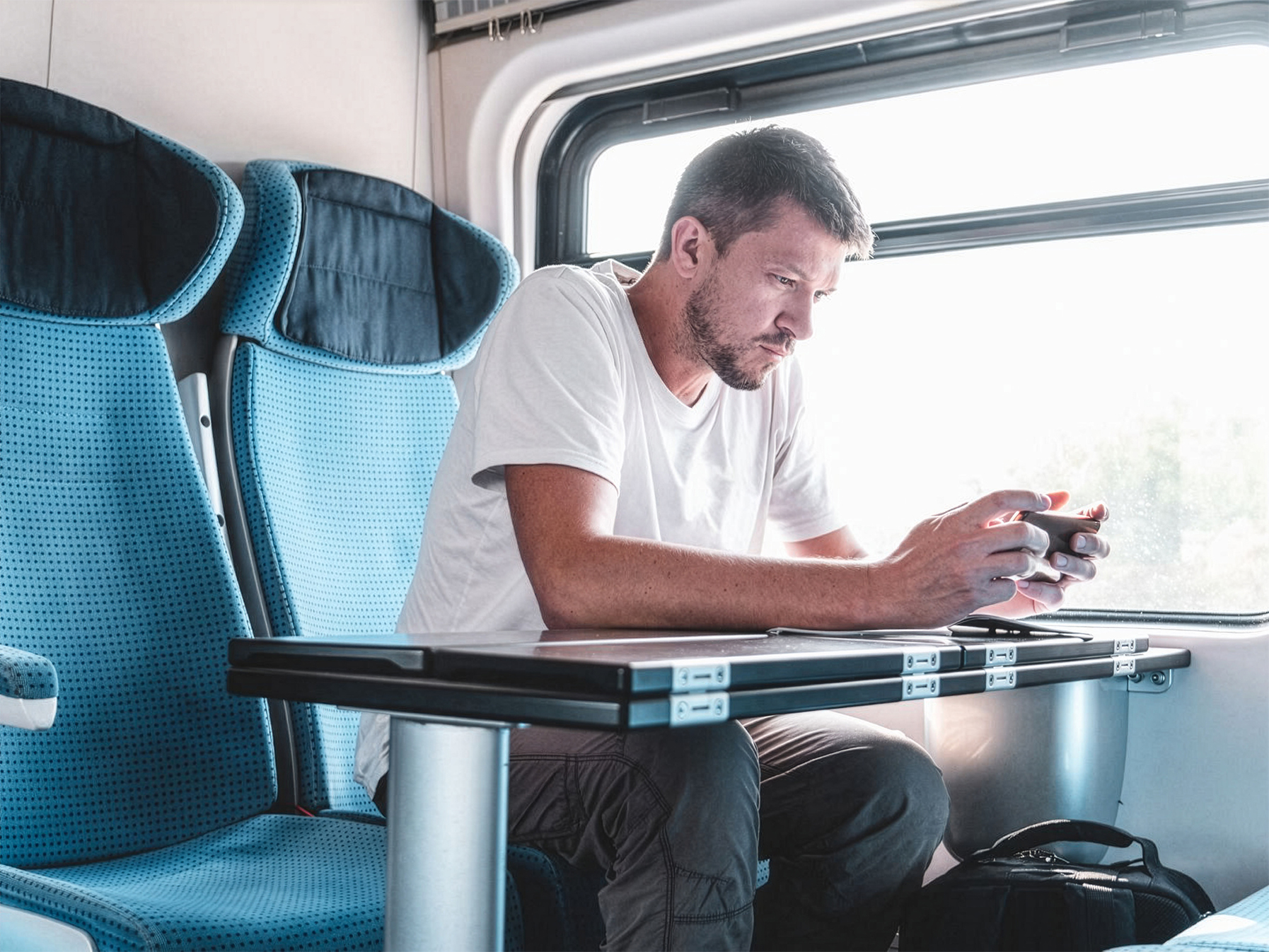
That's the world we're editing in now, and it's genuinely changed how I think about my workflow. But I still open my laptop for plenty of projects too. The truth is, mobile apps and desktop software aren't competing for the same job, they're built for different moments in your workflow, and understanding when to reach for each one will save you a lot of time and frustration.
What Mobile Editing Apps Do Really Well
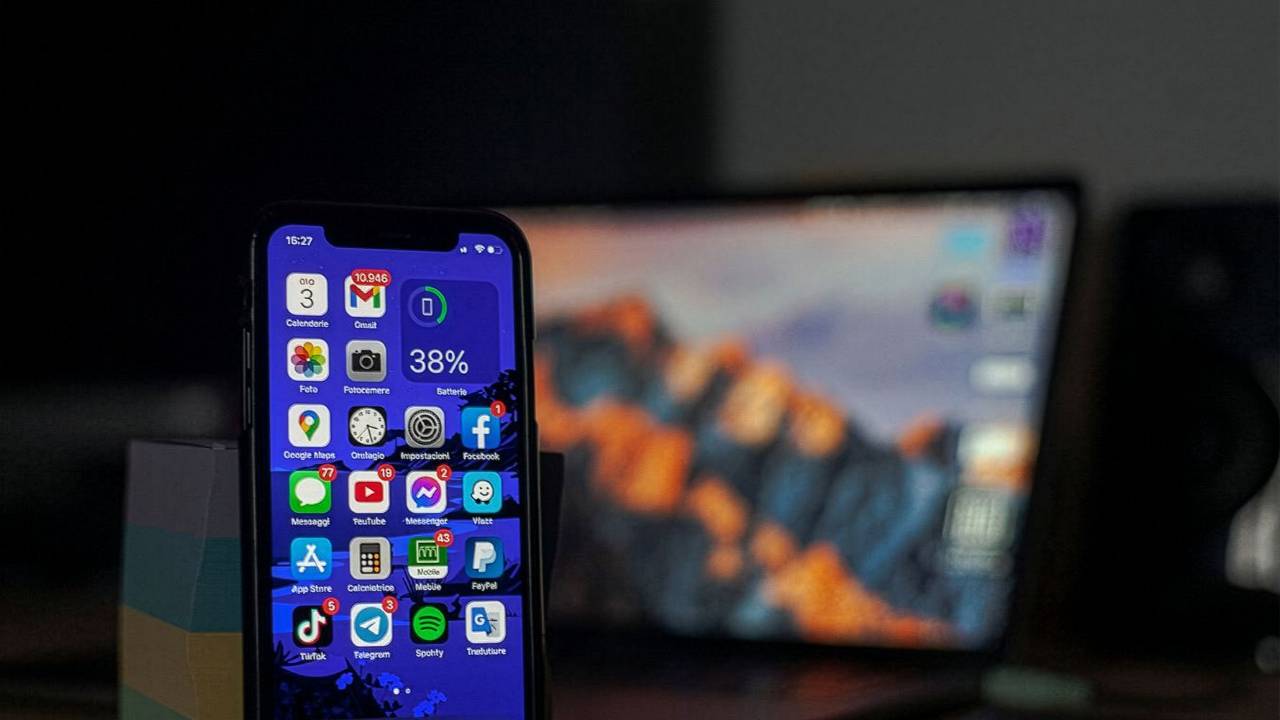
Mobile apps like Lightroom Mobile, Snapseed, and VSCO have gotten remarkably capable over the last few years. For a huge amount of everyday editing, quick colour adjustments, cropping, straightening a horizon, applying a preset, they genuinely rival what you could do on a desktop, and they do it in a fraction of the time.
The biggest advantage is obvious but worth saying out loud: speed and convenience. You can edit a picture the moment you take it, while the moment and the memory are still fresh, and share it within minutes. If you shoot primarily for social media, or you're a hobbyist who just wants your everyday pictures to look their best without a whole production, mobile editing might genuinely be all you ever need.
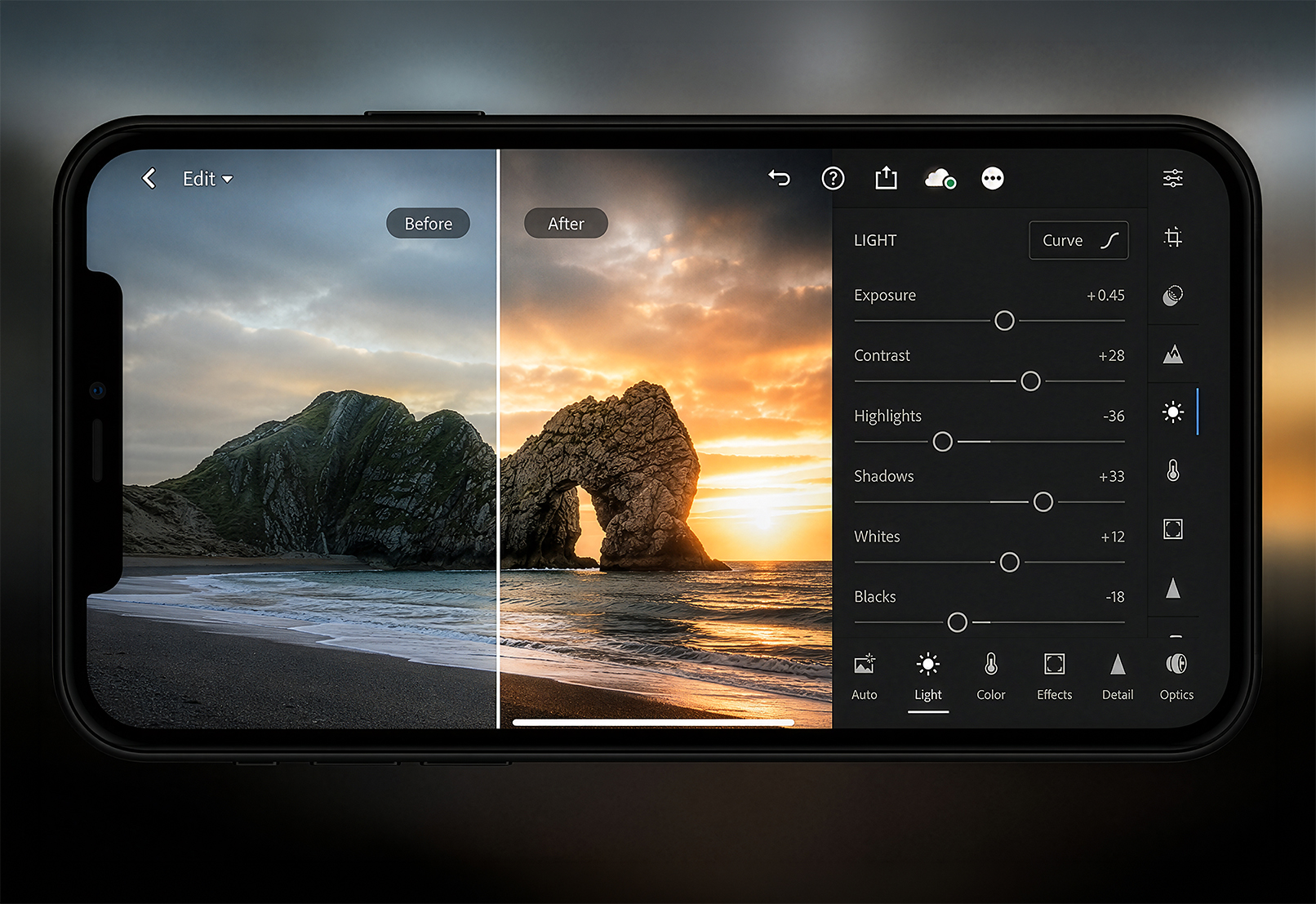
Mobile apps also tend to be more approachable for beginners. The interfaces are simpler, the sliders are more forgiving, and a lot of them come loaded with one-tap presets that get you 80% of the way to a finished look instantly. If editing has ever felt intimidating, a mobile app is a much gentler place to start than a desktop program with forty different panels.
Where Mobile Apps Start to Fall Short
The convenience comes with real trade-offs, though, and they show up the moment your work gets more serious or more technical. Screen size is the obvious one, editing on a five or six inch screen makes it genuinely hard to judge fine detail, subtle colour shifts, or small blemishes that would be obvious on a proper monitor. I've had more than one picture look perfect on my phone and then look noticeably off once I saw it on a bigger screen.

Mobile apps also tend to offer less precise control. Desktop software generally gives you finer adjustment sliders, more sophisticated masking tools, and far more nuanced control over things like highlights, shadows, and individual colour channels. For quick edits this doesn't matter much. For a wedding gallery of 600 pictures that all need to match perfectly, it matters quite a bit.
And if you're doing more advanced work, heavy retouching, compositing multiple pictures together, precise object removal, mobile apps just aren't built for that level of detail work. They're editing tools, not full creative studios.
What Desktop Software Does Really Well
Programs like Lightroom Classic and Photoshop are built for depth and precision. You get a bigger, more accurate screen to actually judge your work on, far more granular control over every adjustment, and the processing power to handle batch editing hundreds of pictures at once without your device slowing to a crawl.
Desktop software also tends to offer better organisation tools for photographers with large libraries. If you've got years of pictures across multiple hard drives, Lightroom Classic's catalog system, key-wording, and search functionality will save you more time than almost anything else in your workflow, something mobile apps generally aren't designed to handle at that scale.
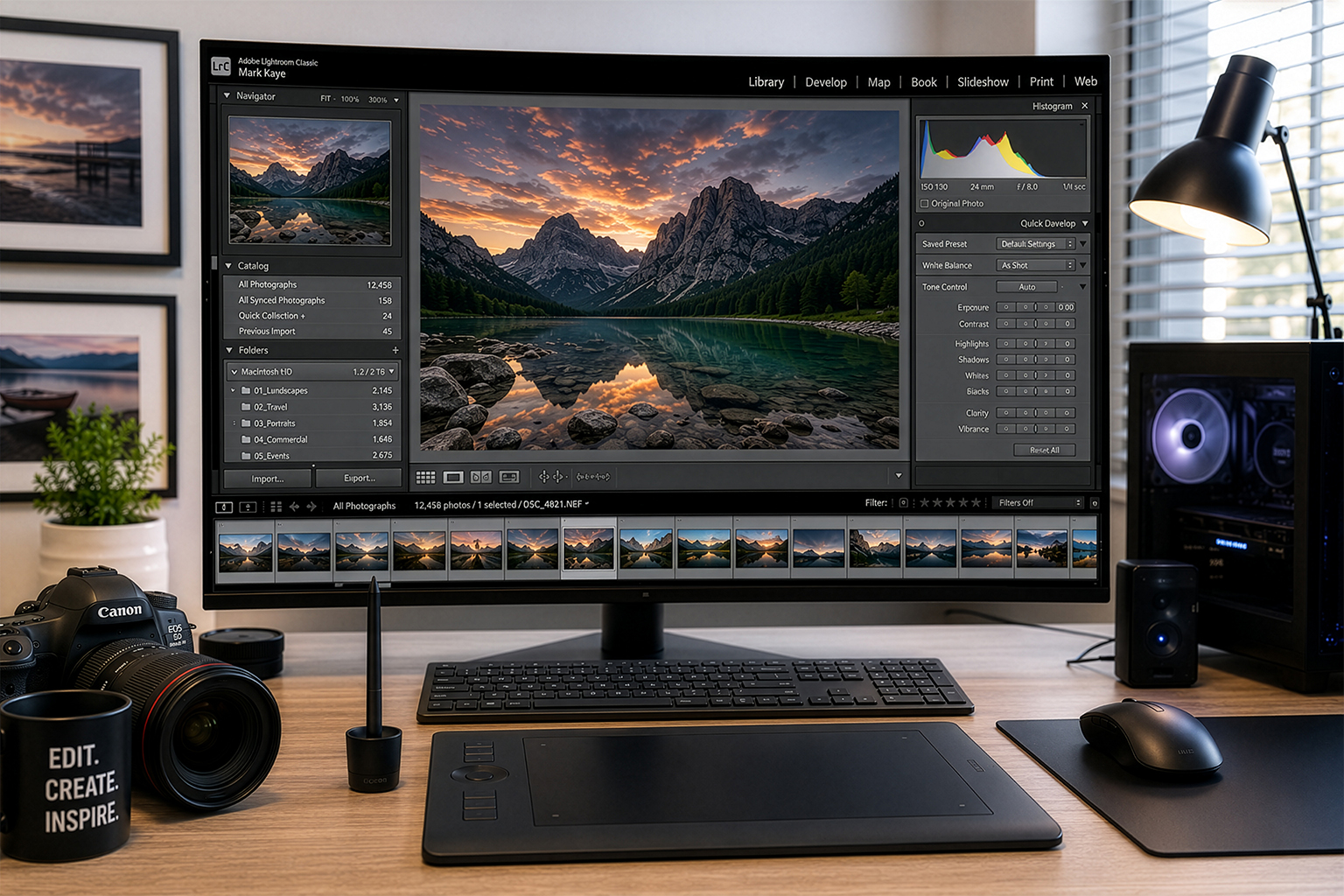
For anything involving serious retouching, complex layering, or advanced compositing, Photoshop on desktop remains genuinely unmatched. There are things you simply cannot do on a phone screen with a touch interface that become straightforward with a mouse, a stylus, and a full-size monitor.
Where Desktop Software Falls Short
The obvious downside is that it ties you to a specific location, your desk, your laptop, a place with enough time and quiet to actually sit down and work. It's a much bigger time investment per picture, which makes it a poor fit if you just need something edited and shared in the next five minutes.
There's also a steeper learning curve. Desktop programs offer more control specifically because they have more buttons, panels, and settings to learn, which can feel overwhelming if you're just starting out and mostly want quick, good-looking results.
So Which One Should You Actually Use?
Here's how I think about it, and how I'd suggest you think about it too. Ask yourself what the picture is actually for, and how much time you realistically have to give it.
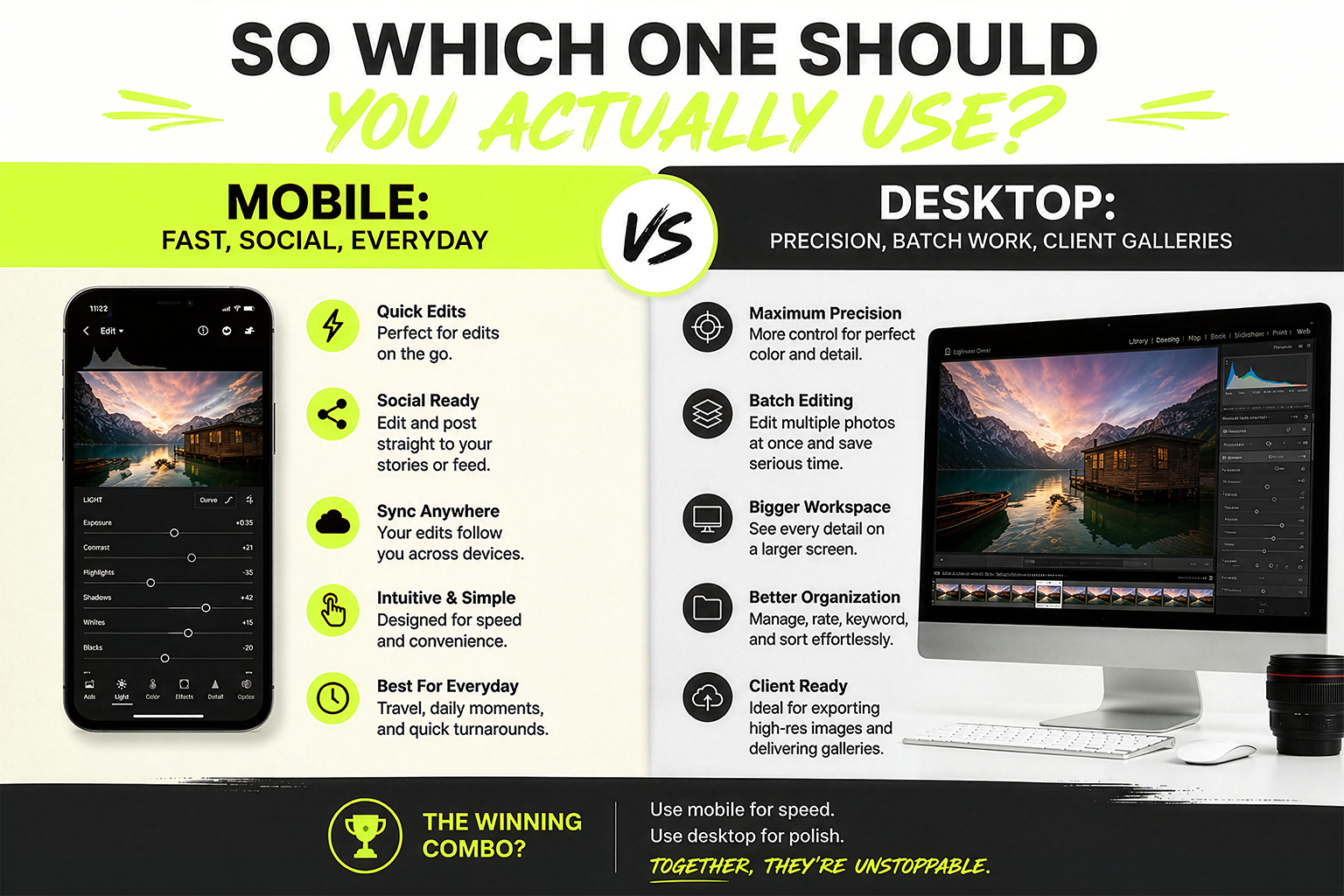
If you're editing everyday pictures, content for social media, or anything where speed and convenience matter more than pixel-level precision, a mobile app is genuinely the right tool, not a lesser substitute. Use it, trust it, don't feel like you're cutting corners.
If you're working on client galleries, a large batch of pictures that need to match consistently, or anything requiring detailed retouching or compositing, desktop software is worth the extra time it takes. The precision and control you gain are hard to replicate on a smaller screen with simpler tools.
And honestly, a lot of photographers, myself included, end up using both, often for the very same shoot. I'll do a quick culling pass and share a few favourites straight from my phone the same day, then bring the full gallery into Lightroom Classic later for the detailed, consistent edit that actually gets delivered.
Final Thoughts
There's no need to pick a side here, mobile apps and desktop software aren't rivals, they're two different tools built for two different moments in your workflow. The photographers who edit most efficiently aren't the ones loyal to one platform, they're the ones who know exactly which tool a given picture actually needs, and reach for it without overthinking the decision.
Ready to take pictures you're proud of?
Start with my free Camera Settings Checklist. It shows you exactly what to check before every shot, so you never miss an important setting again.
When you're ready to go further, Premium teaches you my SIMPLE system step by step, so you can take pictures you're proud of with the camera you already own.
Get Your Free Camera Settings Checklist
Know exactly what to check before every shot, so you never miss an important setting again. Free, straight to your inbox.
No spam, ever. Unsubscribe any time. Our Privacy Policy is linked at the bottom of this page.